Sample project — this is placeholder content demonstrating the page structure. Replace it with a real project.
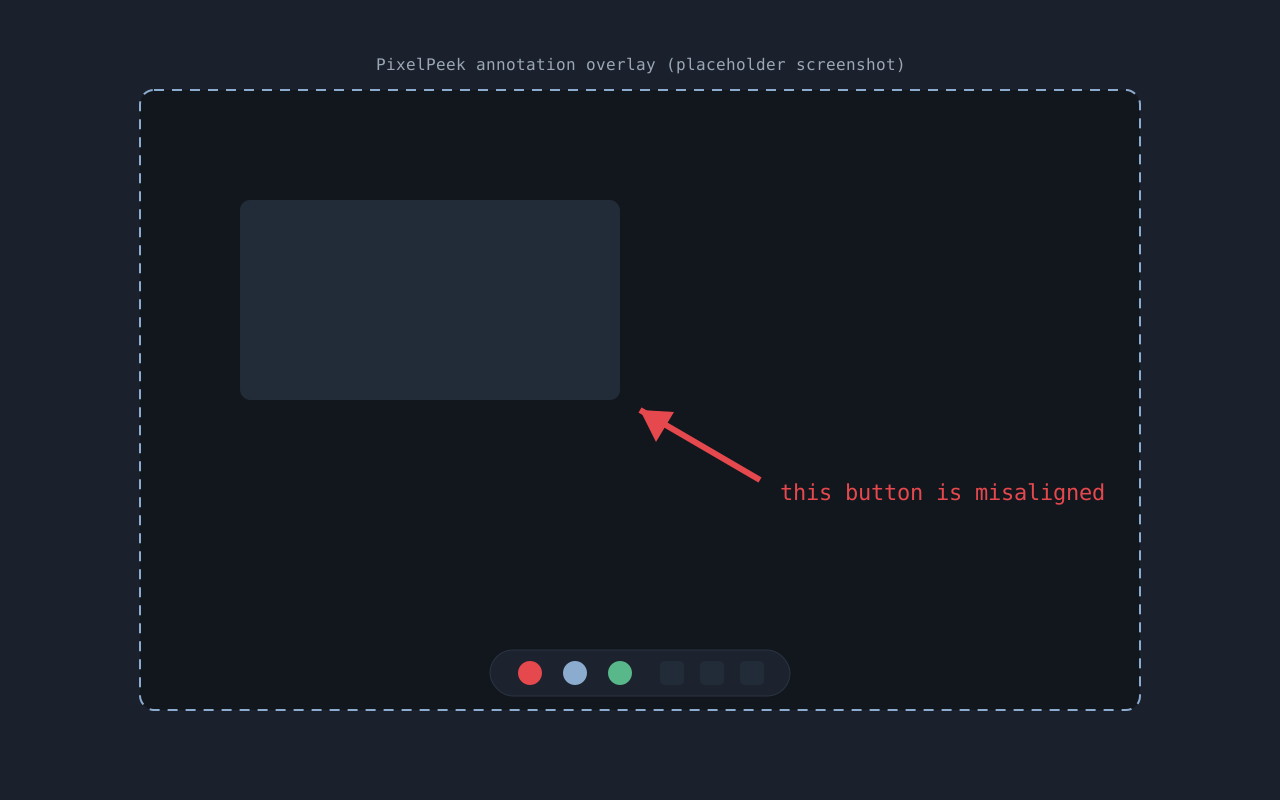
PixelPeek replaces the print-screen key with a capture-and-annotate overlay. Grab a region, drop an arrow or a blur, and it’s on your clipboard — the whole flow takes about three seconds and no window ever opens.
Design goals
- Never show a window. Everything happens in an overlay on top of your screen.
- Clipboard-first. The annotated image is on the clipboard the moment you finish; saving to disk is optional.
- Zero background cost. Idles at effectively no CPU and a few MB of RAM.
Privacy
PixelPeek processes everything locally and never touches the network — the privacy policy is one paragraph long, which is how it should be.
screenshots